
Skip to main contentSkip to footer

USB Dongle for Modbus RTU

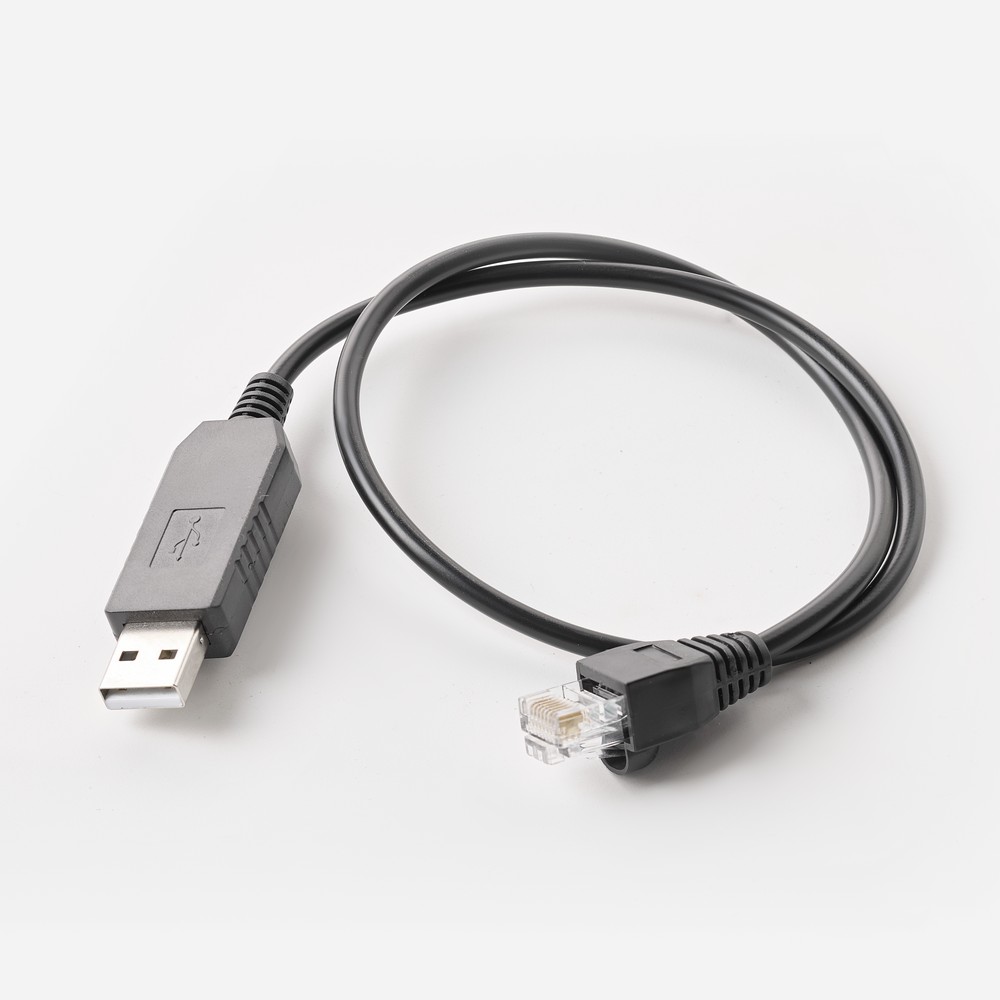
USB to RS485 cable for Modbus RTU. Use your PC as a Modbus RTU Master or Slave with any software that can open a COM port.

RJ45 Connector:
– Standard Modbus RTU pinout
– Pin 5: A
– Pin 4: B
– RS485 only, not for Ethernet ports

PC Interface:
– USB-A plug
– FTDI USB-to-UART converter
– Standard virtual COM port
– Usually no driver installation needed

Compatibility:
– Any Modbus RTU Master or Slave software
– Your own scripts, for example in Python
– All INACKS Modbus RTU products with an RJ45 connector

Cable:
– Length: approx. 0.5 m
– Non-isolated

In stock

Volume pricing

Qty. Price
1 - 3 25,00 €
4 - 6 23,75 €
7 - 10 22,50 €
11 - 20 21,25 €
21 + 20,00 €
SKU: ISUSBMBRTU

USB to RS485 Cable for Modbus RTU

The USB Dongle for Modbus RTU is a USB to RS485 cable that connects your PC to Modbus RTU devices through an RJ45 connector. With it, your PC works as a Modbus RTU Master or Modbus RTU Slave. Read registers, simulate devices and debug your Modbus application right from your desk.

Inside, an FTDI USB-to-UART converter drives an RS485 transceiver. Because FTDI chips are widely supported, the cable appears as a standard COM port and usually works without installing any drivers.

Applications

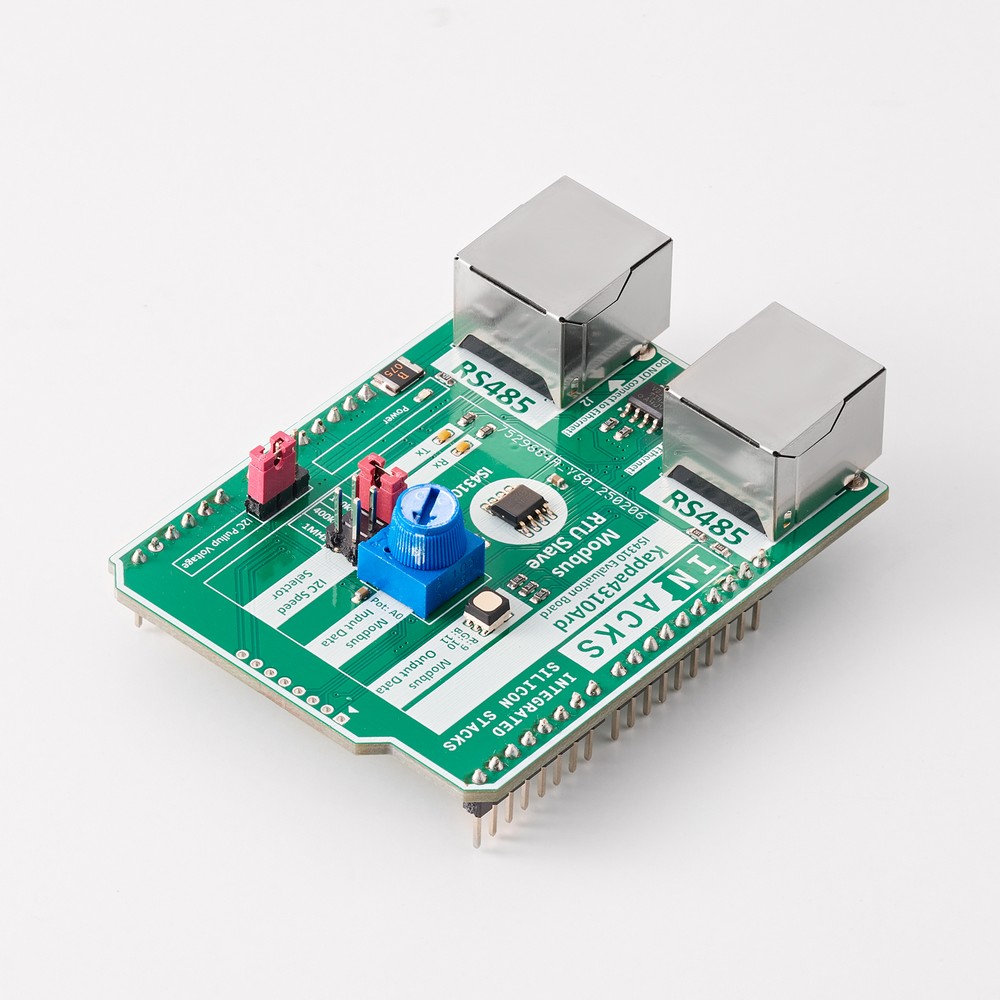
  • Chip evaluation: test our IS4310 and IS4320 Modbus chips with their Kappa evaluation boards, without writing any PC software.
  • Modbus Master: read and write the registers of sensors, PLCs, meters and drives from a Modbus RTU master program.
  • Modbus Slave: simulate a slave device on your PC while you develop the master side of your own product.
  • Test automation: write your own Modbus RTU test scripts, for example in Python.

How the USB to RS485 Cable Works

Your PC sees the cable as a standard serial (COM) port. When your software sends a Modbus RTU frame, the FTDI chip converts it from USB to UART. Then, the transceiver puts it on the RS485 bus, and the replies follow the same path back to your PC.

As a result, any software that can open a COM port can communicate over Modbus RTU. You set the baud rate, parity and stop bits in your software, so the cable adapts to each device.

Standard Modbus RTU RJ45 Pinout

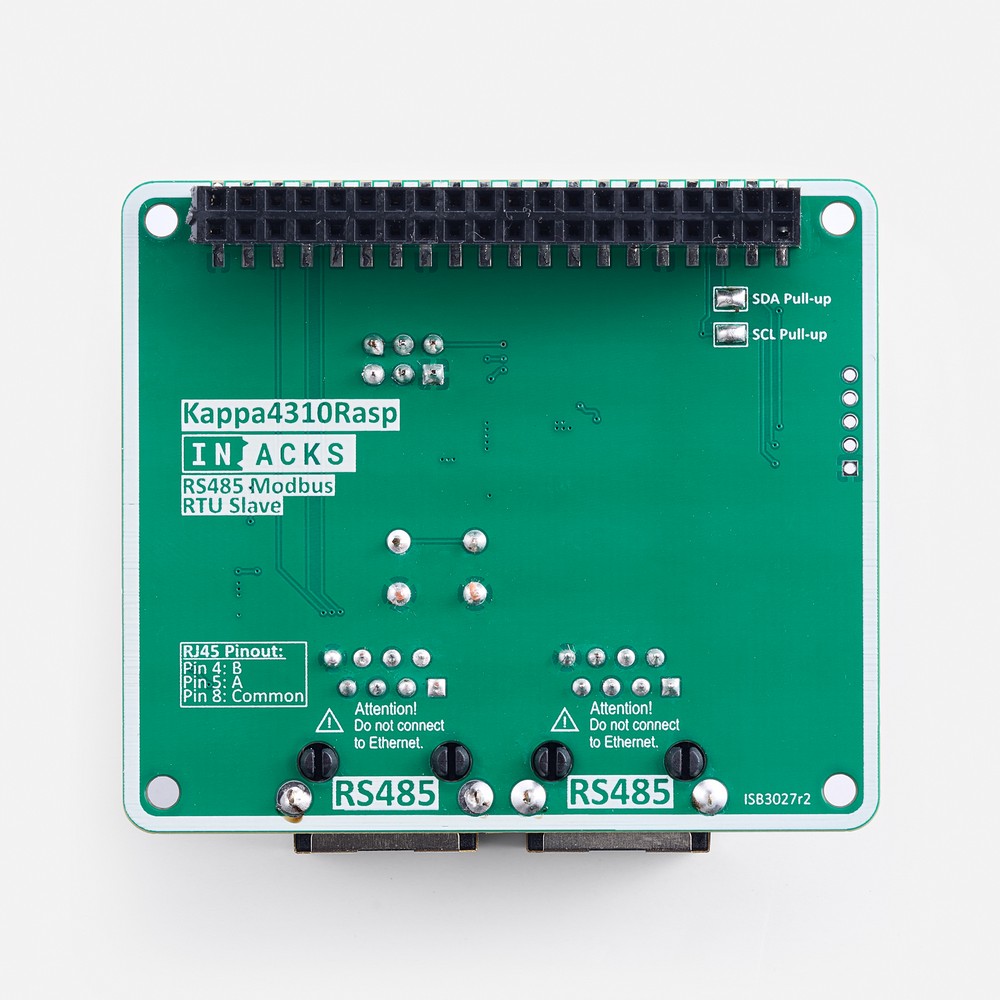
The RJ45 connector follows the standard Modbus RTU pinout: pin 5 is A and pin 4 is B. Therefore, the cable plugs directly into any Modbus RTU device that uses the same pinout. This includes all INACKS Modbus RTU products with an RJ45 connector.

Important: although the connector is an RJ45 connector, this cable is not intended for Ethernet communications. It uses RS485, not Ethernet. Do not connect it to an Ethernet port, such as those found on routers, switches, PCs or other Ethernet equipment.

Hardware Features

  • FTDI USB-to-UART converter: standard virtual COM port on Windows, Linux and macOS.
  • RS485 transceiver: 2-wire RS485 interface (A and B) for Modbus RTU.
  • Connectors: USB-A plug on one end and RJ45 plug on the other.
  • Cable length: approximately 0.5 m.
  • Non-isolated: designed for bench testing, development and short connections. For long cable runs or large ground potential differences, we recommend galvanic isolation.

Compatible INACKS Products

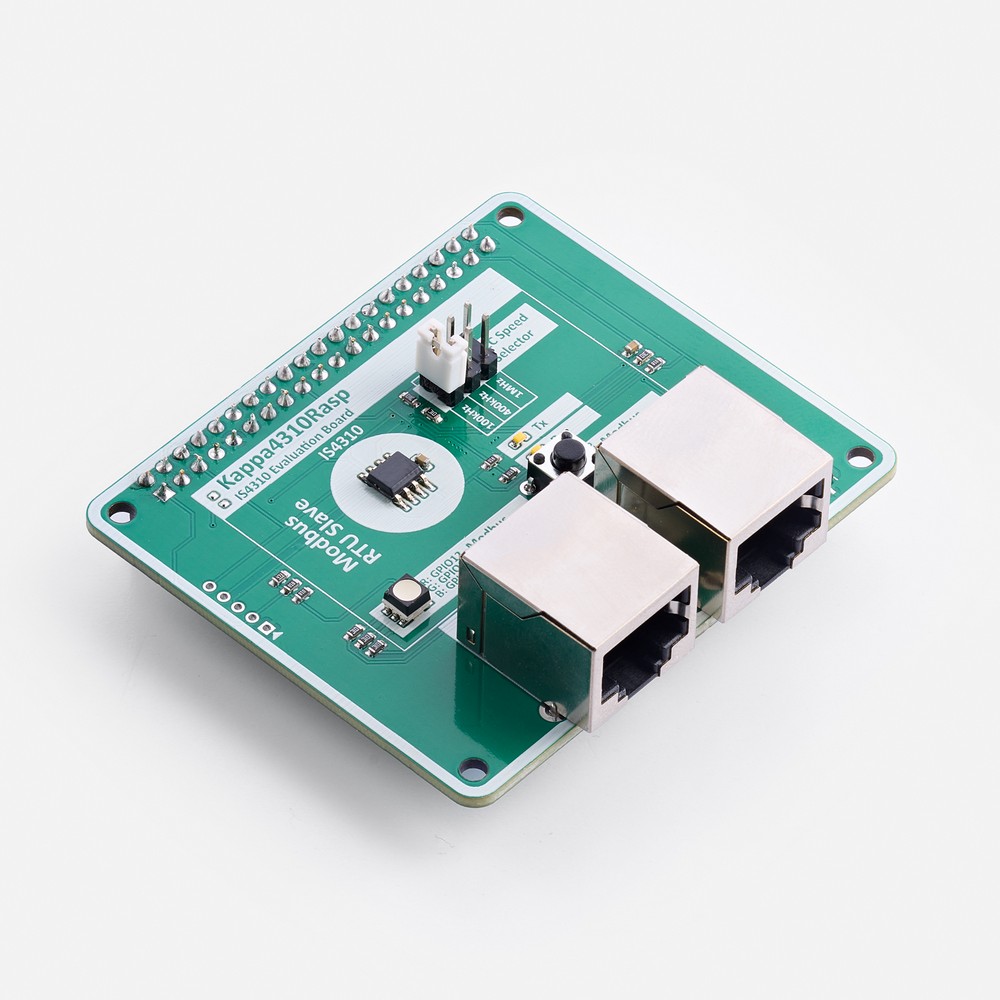
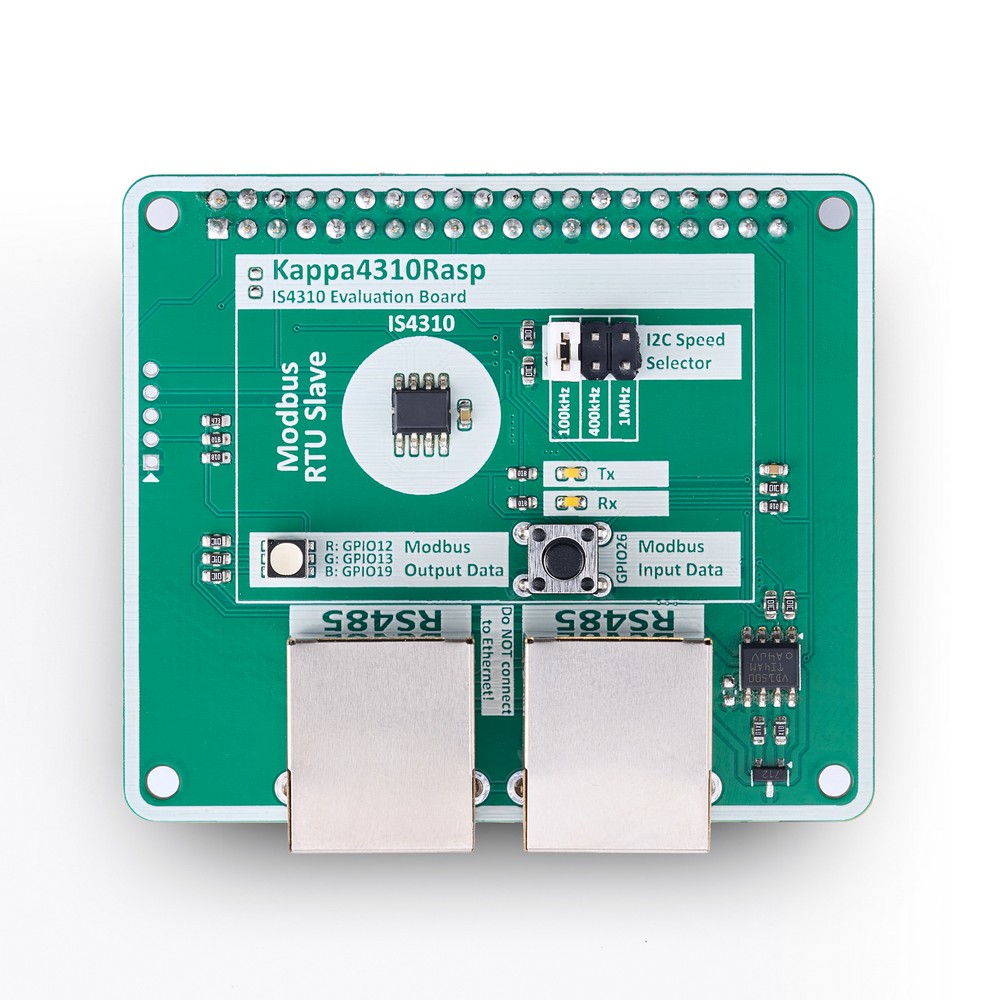
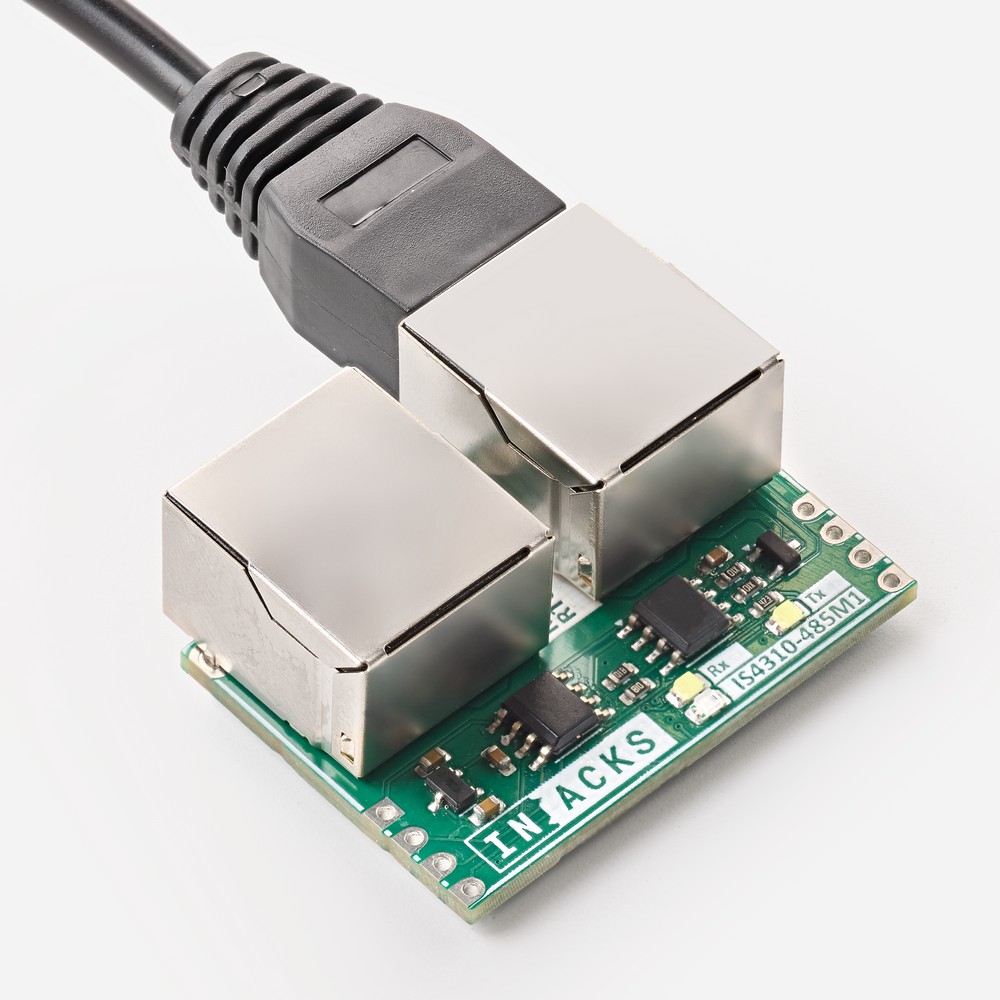
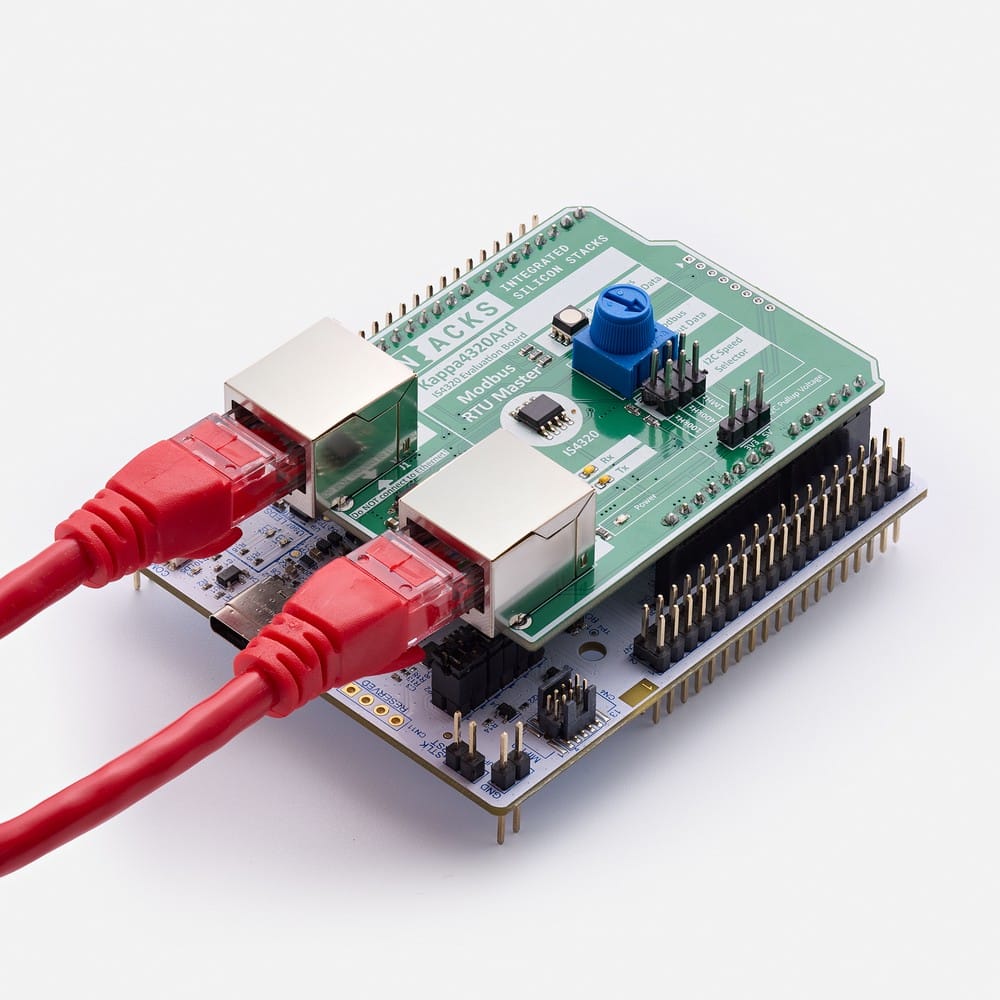
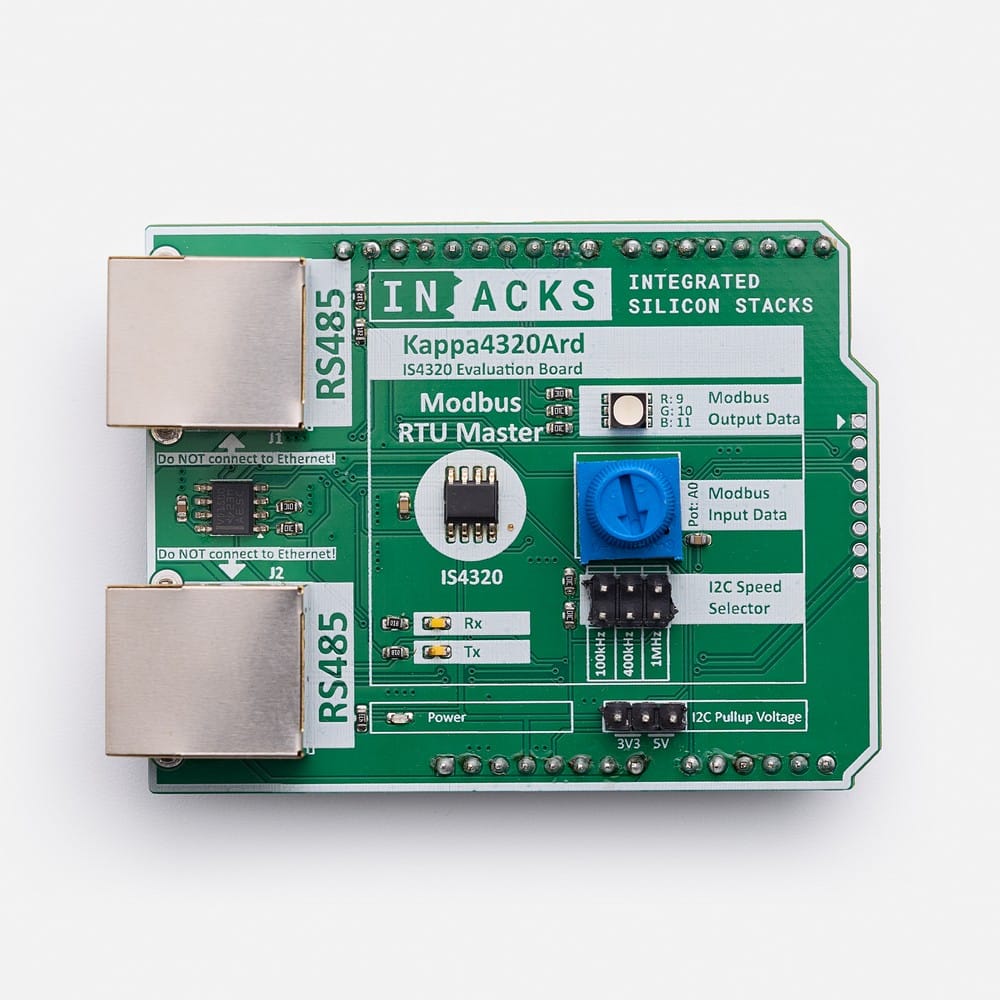
The cable works with all our Modbus RTU products that have an RS485 RJ45 connector, for example:

Quick Start with the USB to RS485 Cable

  1. Connect the USB to RS485 cable to your PC. It appears as a new COM port on Windows, or as a /dev/ttyUSB device on Linux.
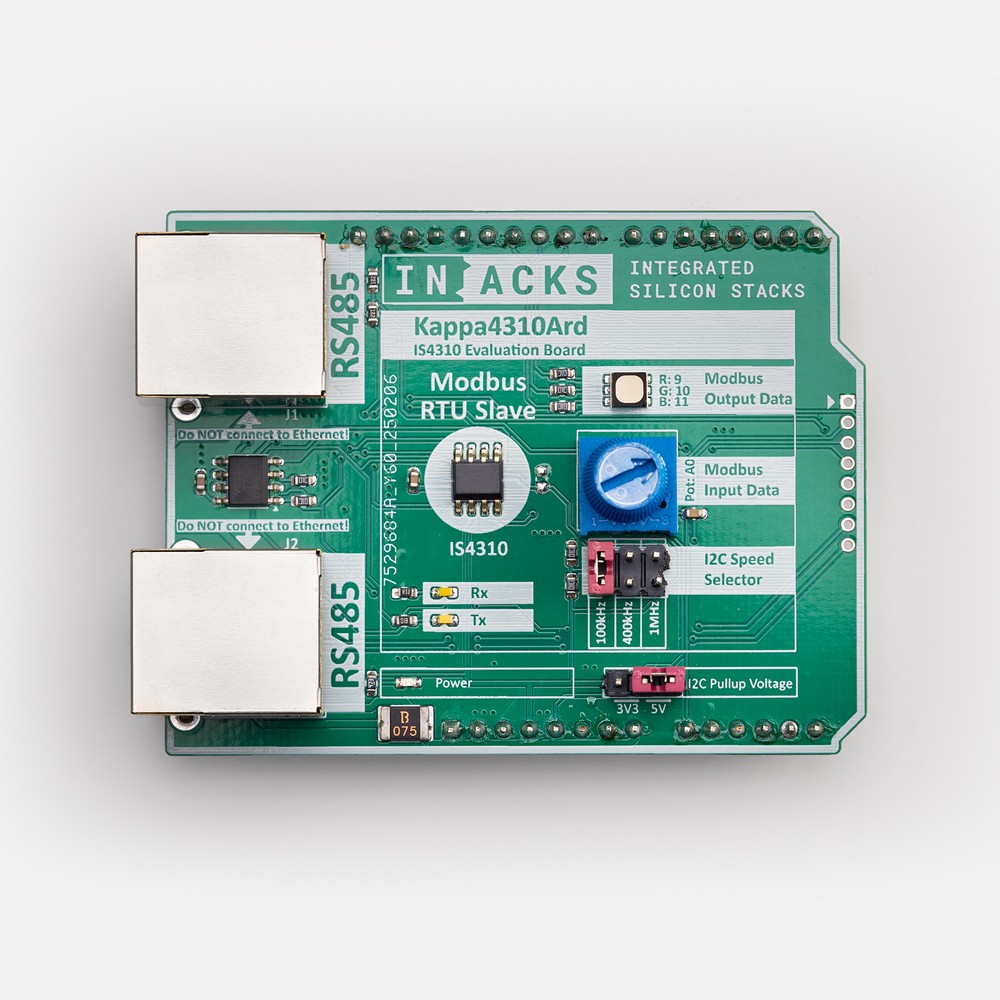
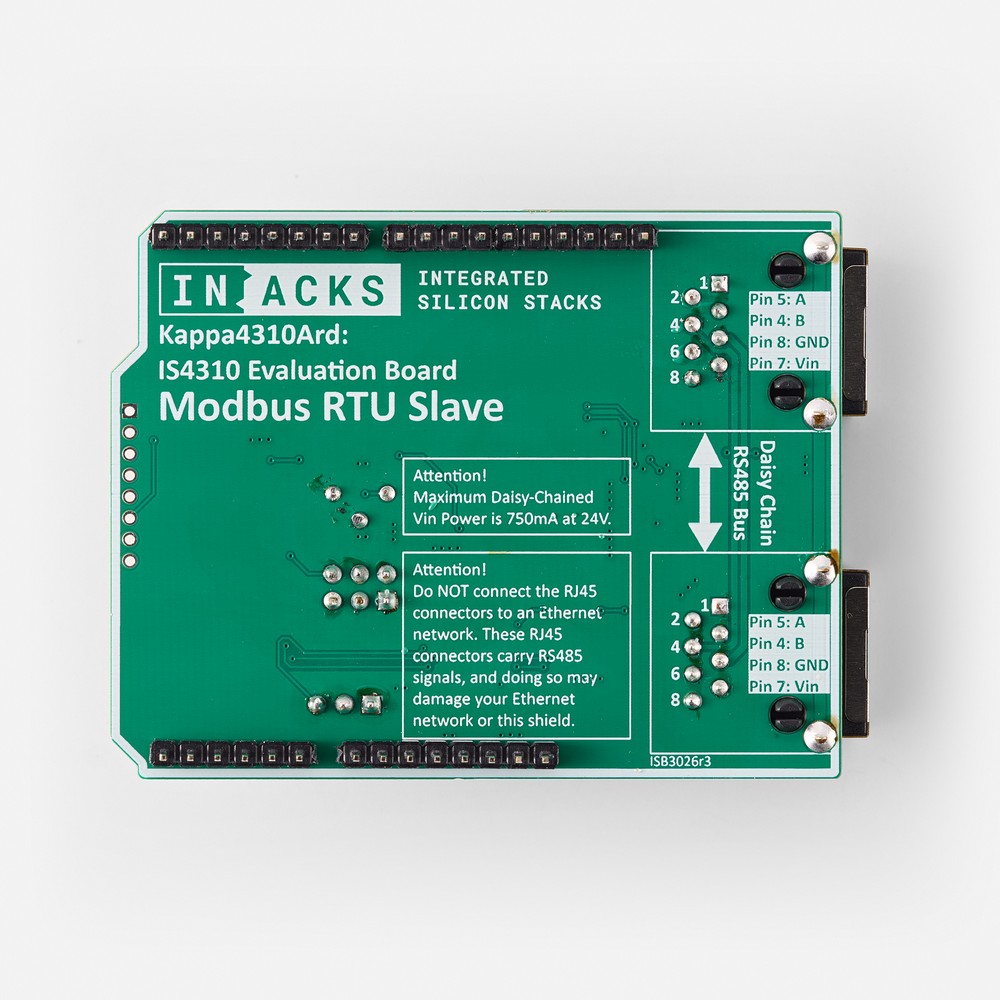
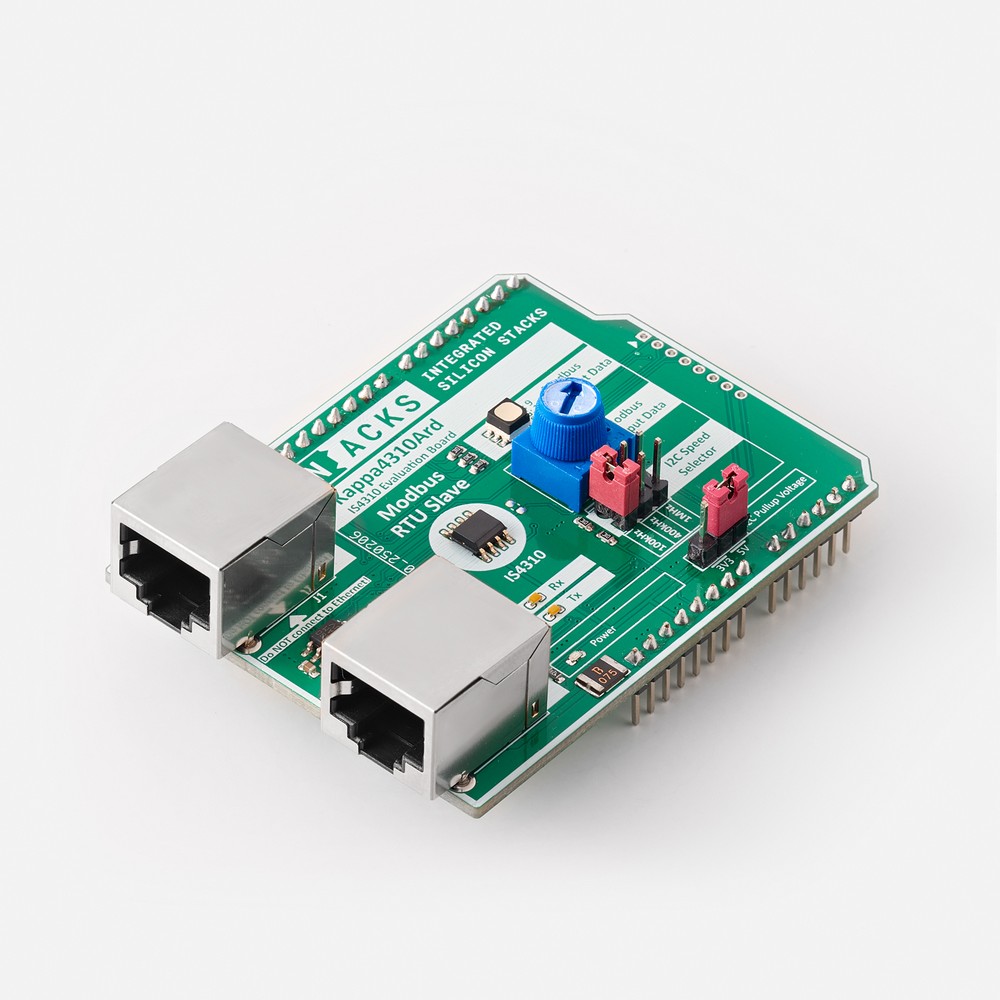
  2. Then, plug the RJ45 connector into your Modbus RTU device, for example a Kappa4310Ard.
  3. Open your Modbus software, select the COM port and use the same serial settings as your device. For example, the IS4310 uses 19200 bps, even parity and 1 stop bit by default.
  4. Finally, read or write registers. For example, use qModMaster to read the Holding Registers of the IS4310 at slave ID 1.

Do you prefer to write code? The cable works with any programming language that can open a serial port. In Python, for example, the minimalmodbus and pymodbus libraries implement Modbus RTU for you.

This company and the products provided herein are developed independently and are not affiliated with, endorsed by, or associated with any official protocol or standardization entity. All trademarks, names, and references to specific protocols remain the property of their respective owners.

(This product includes the USB to RS485 cable. Evaluation boards and other Modbus devices are not included.)
Q: What is the USB Dongle for Modbus RTU used for?

A: To connect your PC to Modbus RTU devices over RS485. Use it to evaluate our Modbus RTU chips with their Kappa evaluation boards, read and write registers in sensors, PLCs and meters, simulate a Modbus RTU slave while you develop a master device, or automate tests from your own scripts.

Q: Do I need to install any drivers?

A: Usually not. The cable uses an FTDI USB-to-UART converter, which the PC sees as a standard serial port. Windows normally installs the driver automatically, Linux includes it in the kernel and macOS normally recognizes the cable out of the box. If the COM port does not appear, download the VCP driver from the FTDI website.

Q: Which operating systems are supported?

A: Windows, Linux and macOS. The cable appears as a COM port on Windows, as a /dev/ttyUSB device on Linux and as a /dev/cu.usbserial device on macOS. It also works with single-board computers such as the Raspberry Pi, since Raspberry Pi OS includes the FTDI driver.

Q: Which software can I use?

A: Any software that can open a serial (COM) port. For example, use a Modbus RTU master program such as qModMaster to read and write registers, a Modbus slave simulator to test your own master device, or your own programs in Python, C#, LabVIEW or any other language.

Q: Can my PC work as a Modbus RTU Master and as a Modbus RTU Slave?

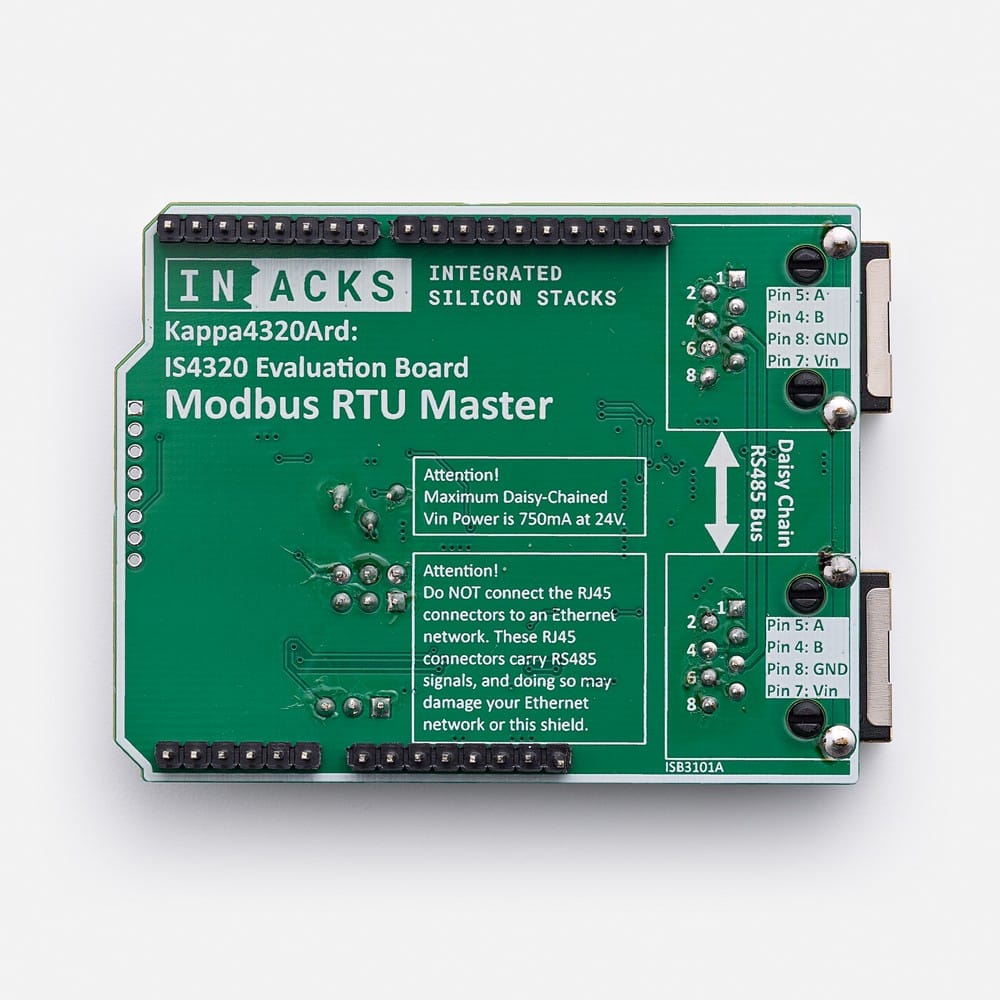
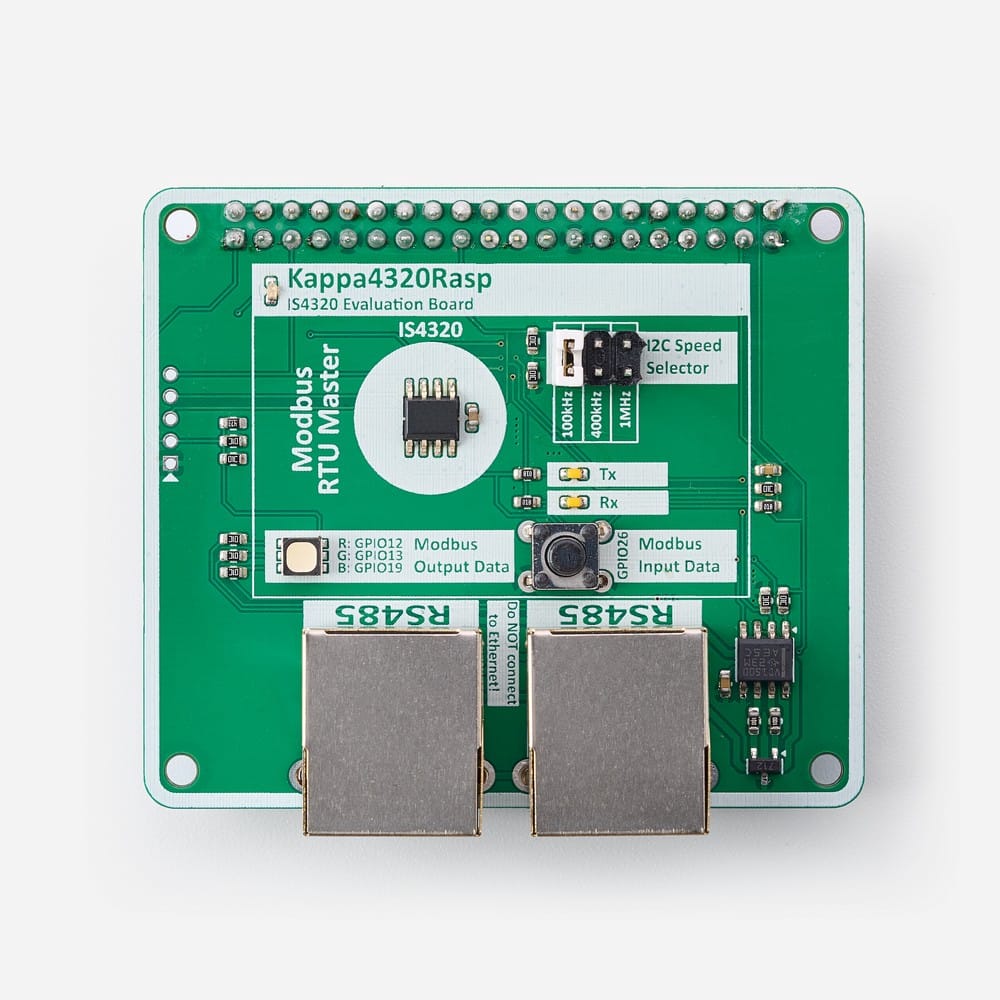
A: Yes. The cable only converts USB to RS485, so the role of your PC depends on your software. Use a master program to talk to slave devices such as the Kappa4310Ard, or a slave program to answer the requests of master devices such as the Kappa4320Ard.

Q: What is the RJ45 pinout?

A: The cable follows the standard Modbus RTU pinout for RJ45 connectors: pin 5 is A and pin 4 is B.

Q: Can I connect it to an Ethernet port?

A: No. Although it uses an RJ45 connector, the cable carries RS485 signals, not Ethernet. Do not connect it to routers, switches, PCs or any other Ethernet equipment, including Modbus TCP/IP devices such as our IS4350-M1.

Q: Is the cable isolated?

A: No. The RS485 side shares the ground of your PC, which is fine for bench testing, development and short connections. For long cable runs or large ground potential differences, we recommend galvanic isolation. For example, the IS4310-ISO485M6 isolates the RS485 bus on the device side.

Q: How do I set the baud rate, parity and stop bits?

A: In your software. Select the COM port of the cable and use the same settings as your Modbus device. For example, the IS4310 uses 19200 bps, even parity and 1 stop bit by default.

Q: Which INACKS products is it compatible with?

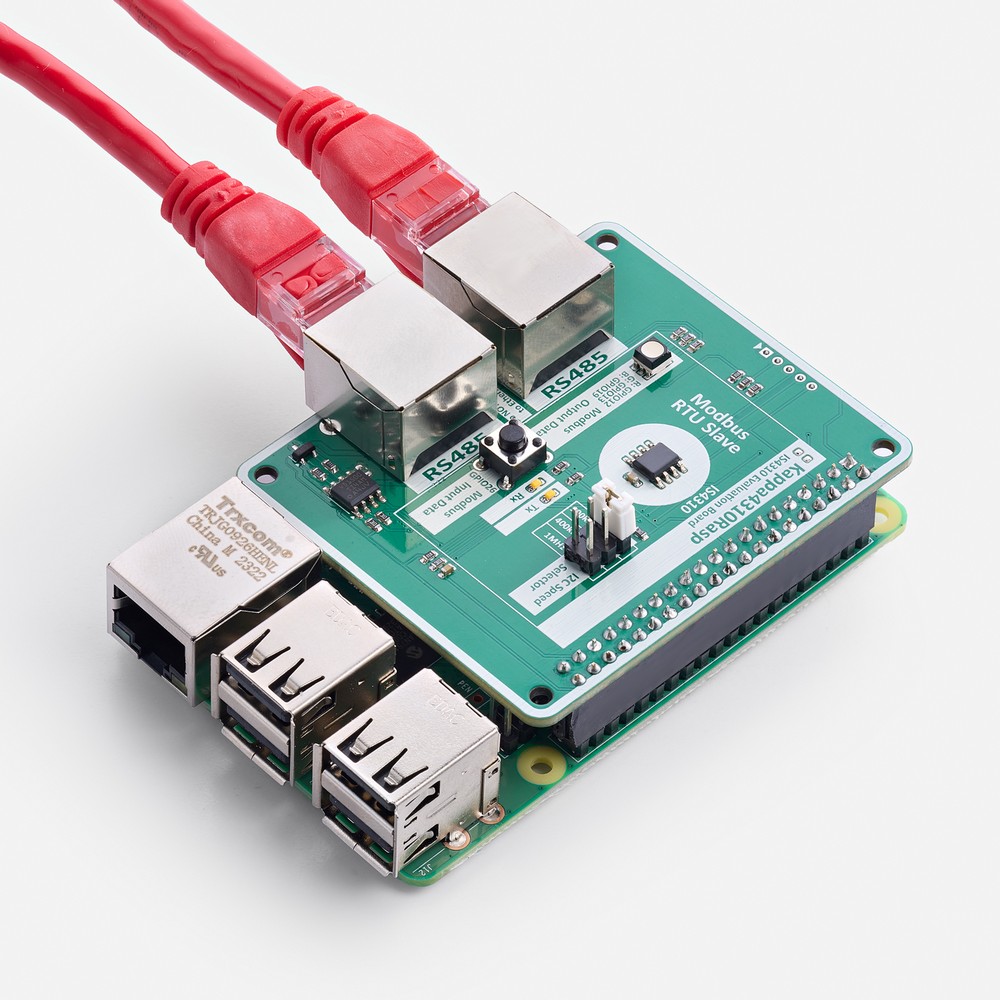
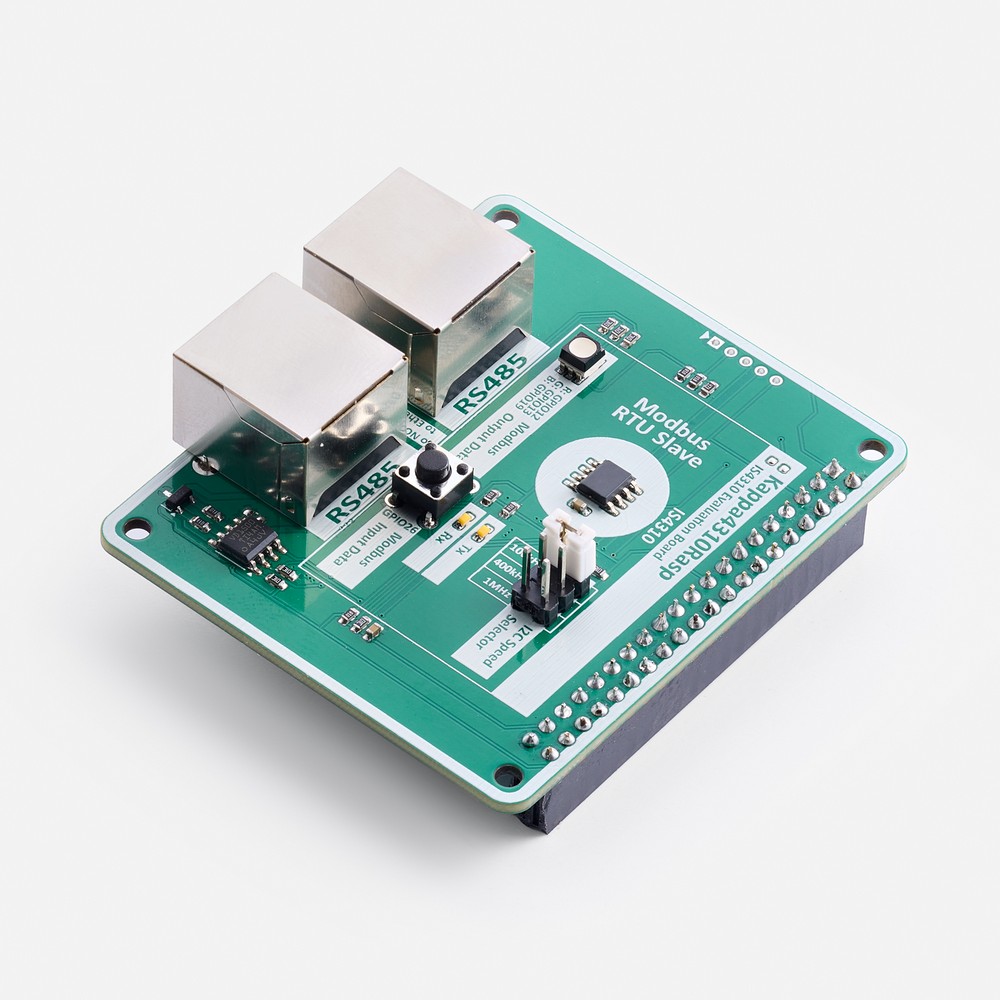
A: All our Modbus RTU products with an RS485 RJ45 connector, such as the Kappa4310Ard, Kappa4310Rasp, Kappa4320Ard, Kappa4320Rasp, IS4310-M3 and IS4310-ISO485M6. It does not work with the IS4310-232M4, which uses RS232 and a DB9 connector.

Q: Can I write my own Modbus RTU software?

A: Yes. Any programming language that can open a serial port works. In Python, for example, use pyserial to send raw frames, or the minimalmodbus and pymodbus libraries for ready-made Modbus RTU functions.

Q: What is included?

A: The USB to RS485 cable, approximately 0.5 m long. Evaluation boards and other Modbus devices are not included.

Evaluation boards, Modules & other related products

Evaluation boards, modules, and accessories designed for fast prototyping and easy integration. Featuring standard interfaces and built-in transceivers, they simplify testing and development across platforms like Arduino, Nucleo, or Raspberry Pi. Ideal for adding RS485, RS232, or Ethernet functionality with minimal effort and maximum compatibility.

Have a question?

Fill out this field
Please enter a valid email address.
Fill out this field
You need to agree with the terms to proceed